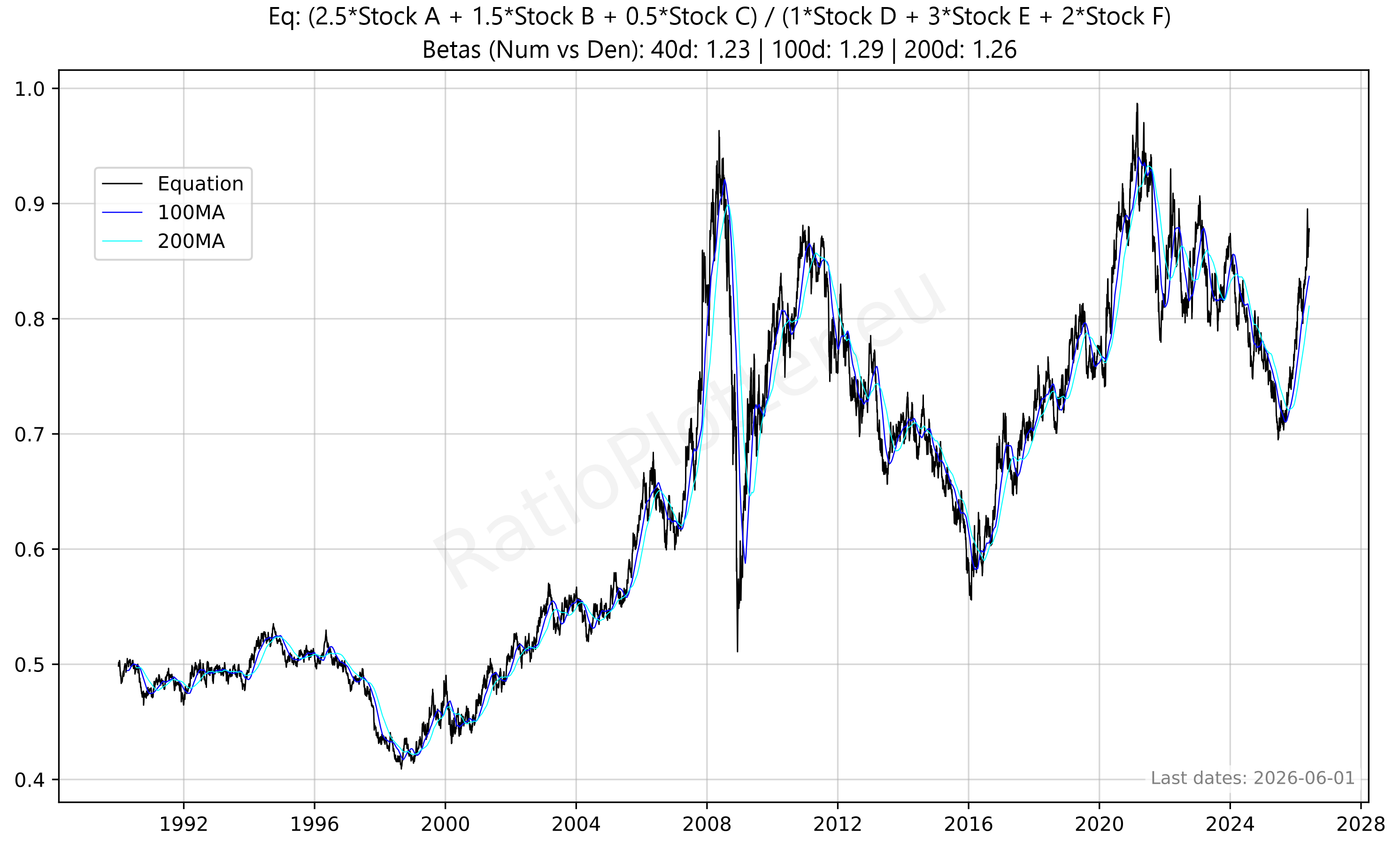
Plot Custom Equation
Enter tickers and coefficients (e.g., 1.0*GLD + 0.5*SLV - 1.0*USO)
Popular Equations (Free Tier)
Notes & Guidelines
Logic: This tool calculates a custom index. The formula is:
Coefficients: Must be numbers (e.g., 0.5, -1, 100). If you want to subtract a ticker, use a negative coefficient. Notice in the formula that the coefficients used can alter the results of the plotted chart significantly. For the free version we have hardcoded the coefficients we think are best, but this may be flawed. To fix this you will be able to change the coefficients to your liking when we release the paid version of RatioPlotter with no limits.
Tickers: Use valid standardized financial tickers. If a field is left empty or coefficient is 0, that term is ignored.
Currency: Ensure tickers are in the same currency or the result may be distorted by exchange rates.
Example: 1.0*GLD + 0.5*SLV - 1.0*USO creates a synthetic asset that is long gold, partially long silver, and short oil.
Recommendation: Use this tool to create custom baskets or hedged positions for analysis.
Ticker Data Usage and Sourcing
Ticker Data Sources
RAT() Ticker function
LAG() Ticker function
MATH- Tickers
CURVE_FROM_VECTOR()
CURVE_FROM_VECTOR([198.27, 211.92, 245.12, 281.72, 318.27], '2026-06-30', 'last', '1y', 'linear', 'forward_fill')
The first argument is the time ordered list of data points, separated by commas. The second argument ('2026-06-30') is the one data anchor we need to plot these values over time.
The third argument ('last') tells the system to apply the anchor date to the last value, another value for this parameter is 'first'.
The '1y' tells the values fall on the exact same date on each year (or closest if leap year).
The '1y' could also be '1q' or '1m' for quarter or month. The same considerations made for year apply.
The 'linear' parameter tells the system how to interpolate the values for days in between the value data points given, another possible value here is 'forward_fill'.
The 'forward_fill' last parameter is about the extrapolation, its possible values are: 'none', 'forward_fill', 'linear'.
Default Ticker Column Projections & Adjustments
Plotting Dividends Reinvested at Your Portfolio Return Rate
This is a function available only for users with the advanced subscription. The first argument is the Ticker simulated, the second is your portfolio CAGR rate (in this case 0.25 = 25% yoy). We apply the daily equivalent rate though. The third argument is the initial investment in the currency of the stock ticker. The last argument is the start date. For a full example see our article on dividend reinvestment simulation or our article looking back at Warren Buffet's investment in Coca-Cola and the results of its juicy dividends.
Calculating slope, velocity, or derivating (these are all synonyms)
Z scaling, bringing data to the normal curve Z score scale, normalizing
This is a function available only for users with the advanced subscription. The single argument can be a Ticker or another vector function. For a full example see our macro quadrant plot.